
How Microsoft Power Platform is helping to modernize and enable...
In this webinar, our experts showcase a variety of demo use cases of how different components of the...


If you're considering a switch from Salesforce to Microsoft, you probably have some questions. For instance, what should you consider from a business planning perspective to ensure your transition is as hassle free as possible?

HCLTech is back at the annual Microsoft Power Platform Conference – this year as a Platinum Sponsor – and will be hosting a session on app modernization. Our excitement about this event is matched only by our energy and passion for the suite of products in Power Platform.
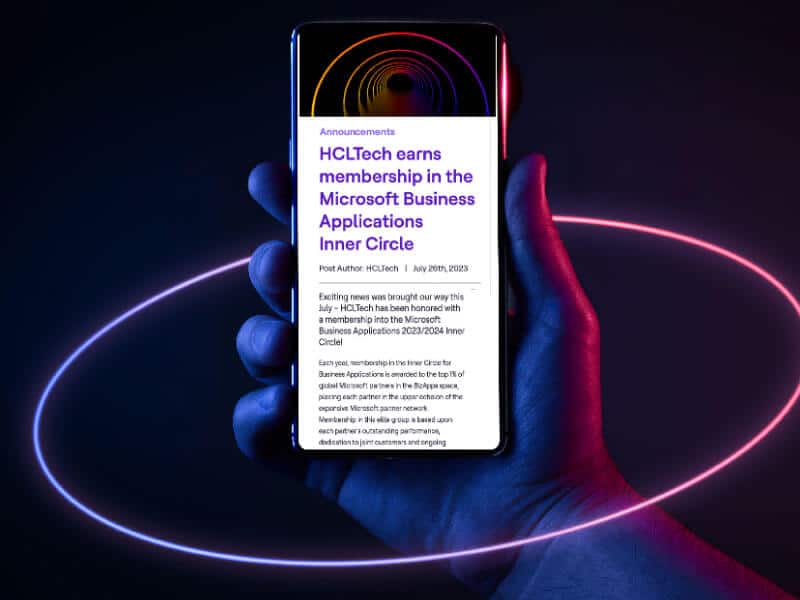
Exciting news was brought our way this July – HCLTech has been honored with a membership into the Microsoft Business Applications 2023/2024 Inner Circle!

We're excited to be back as a Platinum Sponsor at this year's Microsoft Power Platform Conference. The annual event showcases all things Power Platform, including Power Apps, Power Automate, Power Virtual Agents, Power Pages and Power BI.

Businesses may embark on a disruptive road that accelerates their procurement operations to new heights by embracing AI and leveraging Microsoft's complete AI-driven ecosystem. HCLTech can be your transformational journey partner.

Before we begin our discussion of Power Virtual Agents Copilot, let's get you up to speed on Microsoft Copilot in general. In previous posts, we explored Dynamics 365 Copilot and Power Platform Copilot. You don't need to read those posts before reading this one, but please check them out when you're done reading about Power […]
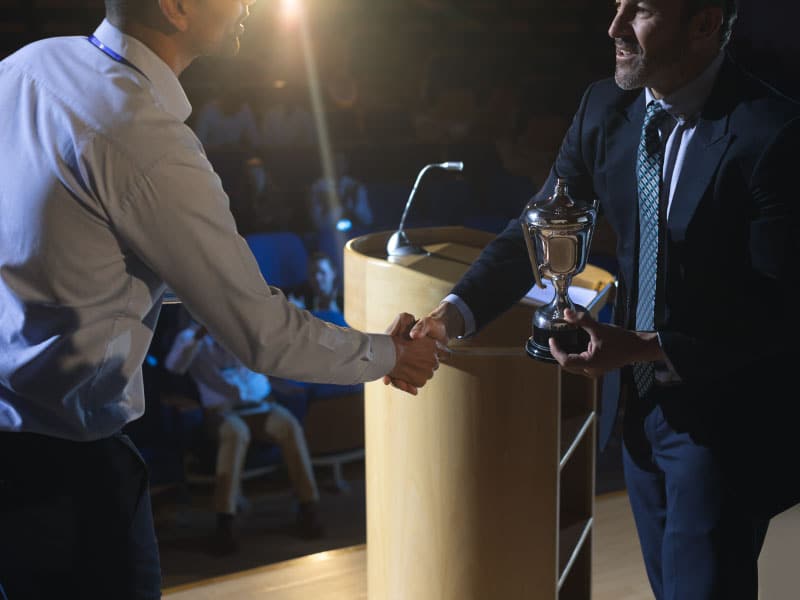
HCLTech is honored to be recognized in 2023 for excellence in Dynamics 365 Services, Dynamics 365 Sales & Marketing and Intelligent Automation. All three awards are in the Business Applications category.
Dynamics 365 Copilot is a digital assistant in the truest sense of the word. It works alongside users, providing guidance and suggestions as they work, growing smarter every time you use it.